The last post ended with three questions. What is a heading? What is this picture of? Which language is this sentence in? The software that made the bulletin, Word and then Acrobat, answered all three by itself, and the answers were wrong.
This post is about the first two. The third is out of scope here (see earlier discussion of the topic of language switching).
Who answers, and when
Those questions can be answered later, by someone else, or now, by the person writing. The later answer is always given by someone who knows less. The person, or system, answering later may not even know there was a question.
Word processors show one reader's view, where a heading and a large bold line look the same, a described picture and an undescribed one look the same. The bulletin was rebuilt in SEED.html, an editor that shows a second view beside the first: the same text as a screen reader would announce it. Point at anything and it tells you what would be said. Every illustration in this post is that screen reader preview.
Is this a heading?
In the source of the rebuilt bulletin, the article about Varden Meparishvili begins like this:
# Last Soinari Player — Varden Meparishvili (1877–1969)
One hash and a space, the same mark Markdown uses for a heading. From it a reader gets a title that reflows (on any screen for any font size), an entry in the table of contents, an address that links can point to, and a navigation point for a screen reader. Point at the title and this is what a screen reader would say.
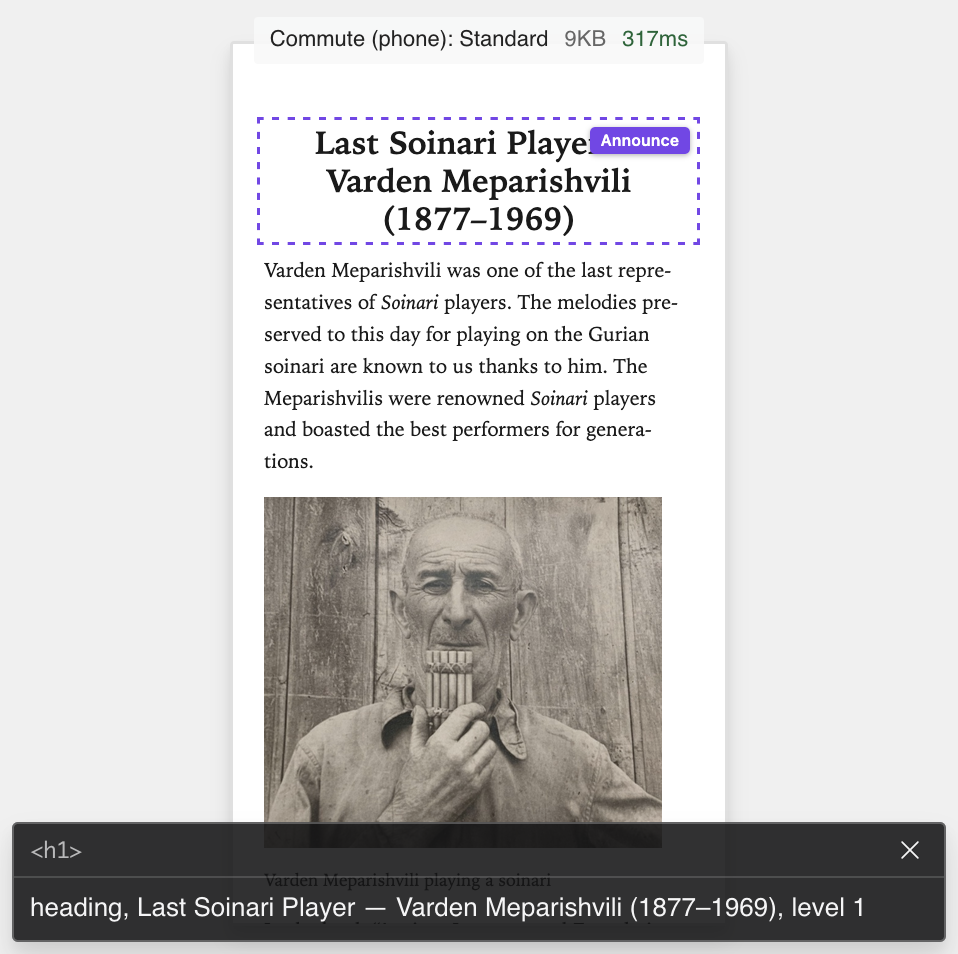
A check runs while you write and complains if you skip a heading level. It cannot tell you whether a line should be a heading at all. Take the hash away and make the line bold instead, and it still looks like a title. The reader loses the contents entry and the stop, and nothing warns you. Only the person who wrote the article knows that line was a title, and that is why the person who wrote it has to be the one looking at the screen reader preview.
What is this picture of?
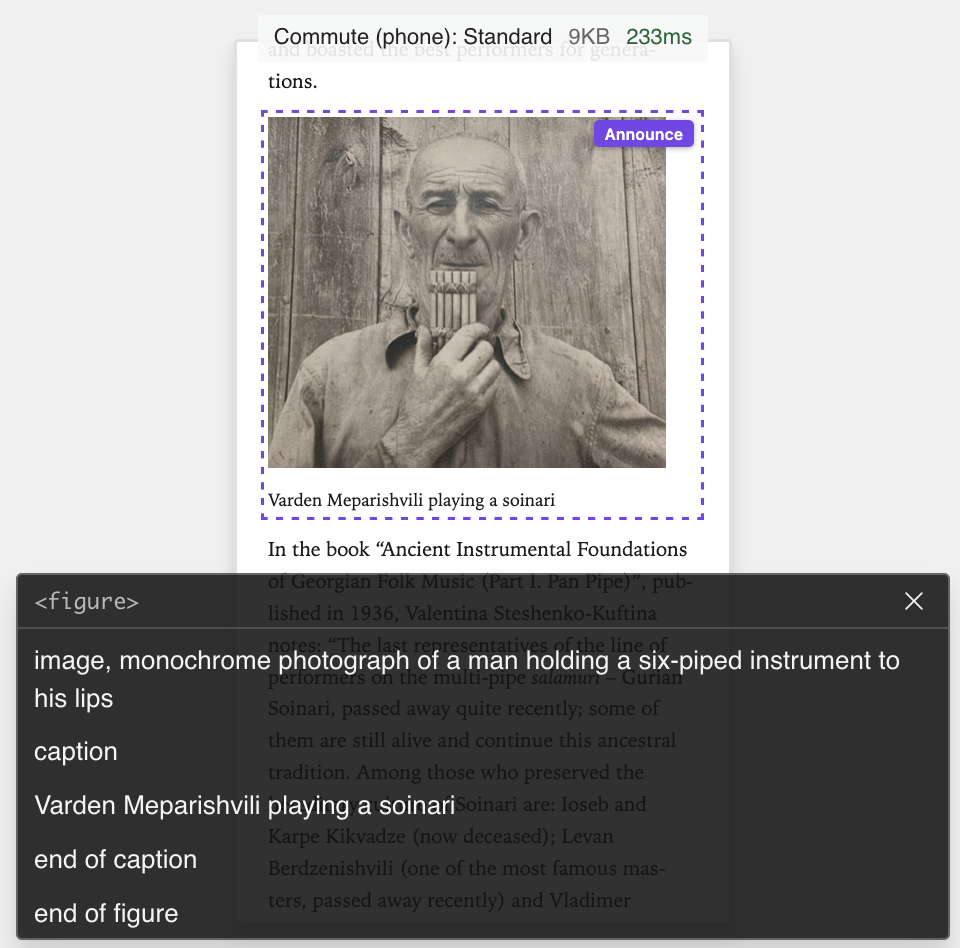
The photograph of Varden Meparishvili is also a single line in the source:
{caption="Varden Meparishvili playing a soinari"}
Stripped of its particulars, the line has this shape:
{caption="displayed below it"}
The description comes first, ahead of the file name, in the same line as the picture, so there is no separate place to forget it. You can leave the brackets empty, but only on purpose, and the screen reader preview will read the emptiness back to you. Point at the photograph:
The questions the book answers for you
Not everything has to be decided by a person. Some of what a listener needs has one right answer, and a rule can supply it. The bulletin's news section lists nearly a hundred events, each dated the way the editors have always dated them:
- 12-14.10 – Second round of the 9th National Competition of Georgian Children's and Juvenile Choirs in Tbilisi.
A screen reader says "twelve minus fourteen point ten". In the EPUB bulletin the same entry is spoken as "12 to 14 October", and nobody retyped a single date.
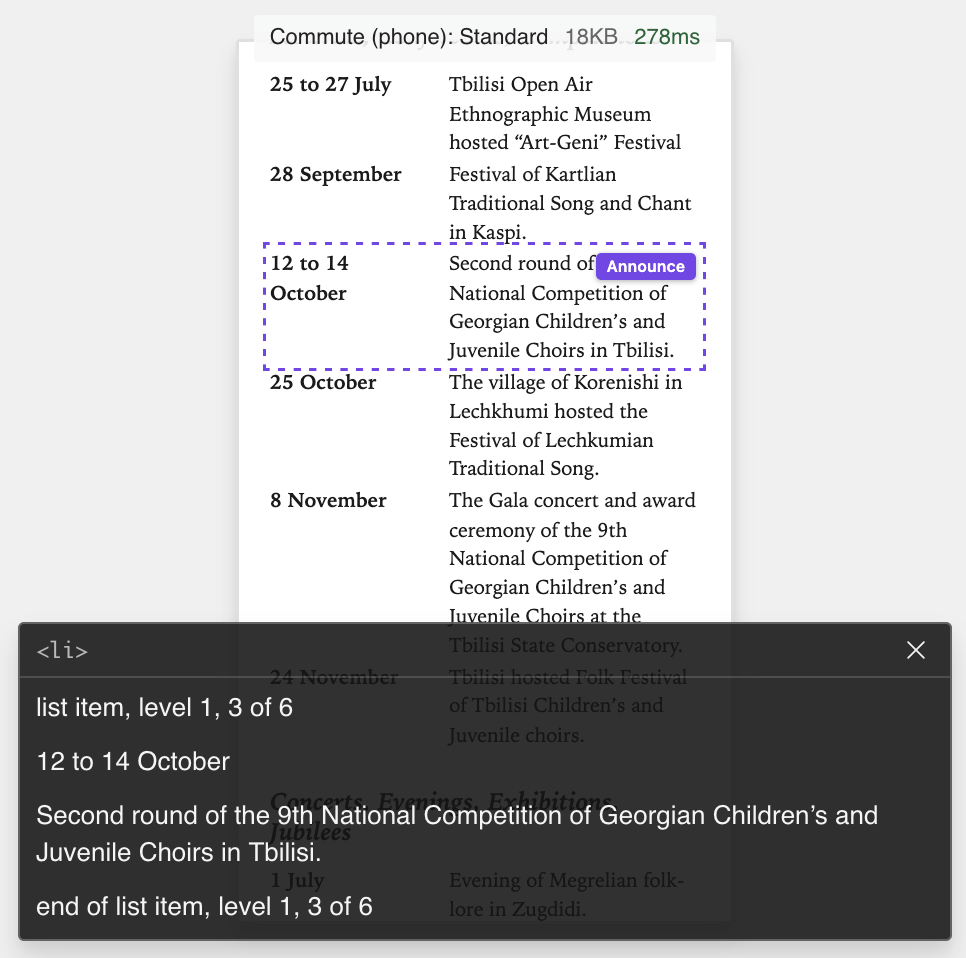
A book made in SEED.html carries its own rules for turning what the author typed into what the reader gets, and this bulletin carries one for its dates: a few lines that recognise the editors' way of writing them and say them properly, in the book's own language. That is automation too, the kind the last post blamed, with one difference: the rule is the editors' own knowledge of their date style, written down once, and it runs with its output reviewable. It lives inside the bulletin file, not in the app, so the next issue of the bulletin gets it without anyone remembering it exists.
Notice what did not change: the source. The editors still write "12-14.10", the way they have for previous issues, because a listing wants dates concise and that form is as concise as they come. The listener hears October anyway. Nothing needed to be changed in what the editors typed in order to make the output accessible. The same rule sets the dates in the printed edition too, which is the next post.
Before the reader does
Every answer in the rebuilt EPUB bulletin was given by the person who knew it, at the moment they knew it, because the output was in front of them while they wrote. Nobody had to come along afterwards and guess. That is most of what accessible has to mean here, and it is cheaper than the alternative, because the person who knows the answer is already at the keyboard.